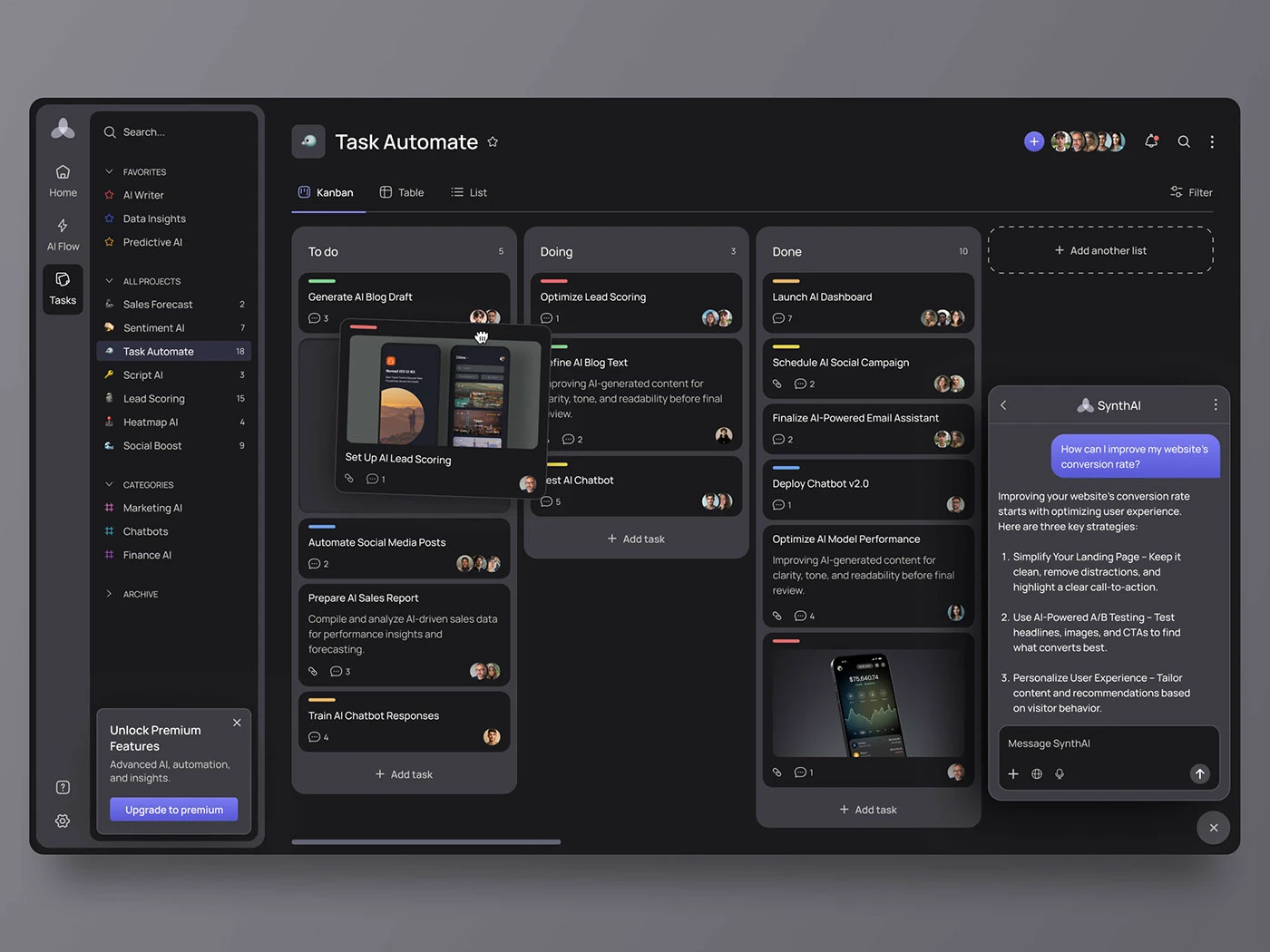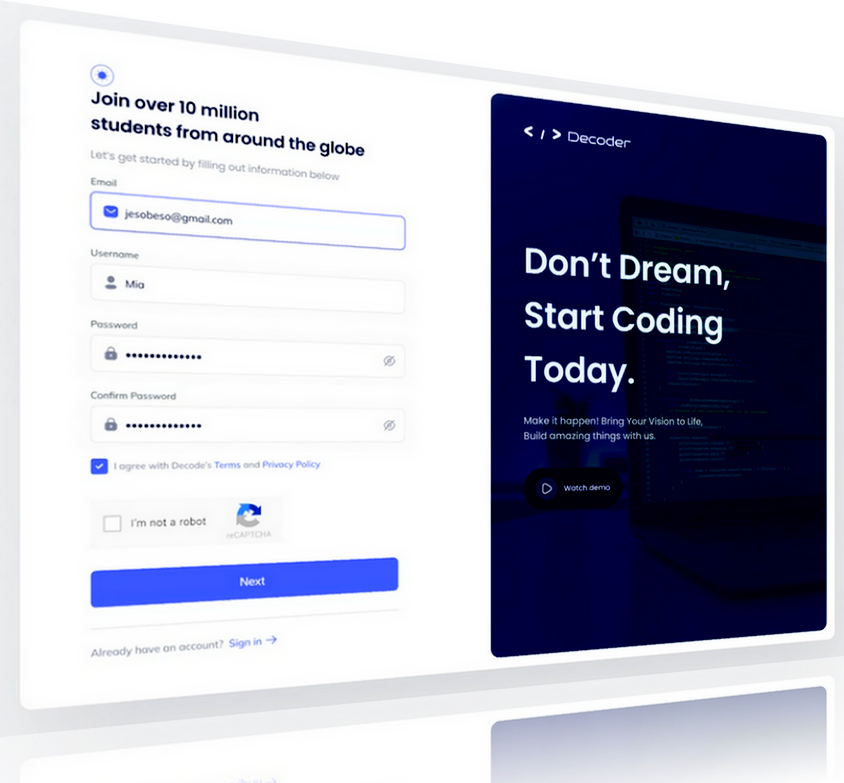

In 2026, basic website chatbots that simply point users to static FAQ pages are no longer enough. Modern customers expect immediate, context-aware support capable of resolving real account issues, looking up orders, updating subscriptions, and troubleshooting technical errors in real time.
Achieving this level of service requires moving beyond standalone chat widgets to engineer an AI-driven customer service portal directly integrated with your Customer Relationship Management (CRM) system (such as HubSpot, Salesforce, Zoho, or a custom SQL database).
When your AI portal connects directly to your central customer data store, it evolves from a simple conversational interface into an autonomous support engine. Below is an architectural roadmap for building a secure, high-performing AI support portal.
1. High-Level System Architecture
A production-ready AI support portal requires a clean separation of concerns across four distinct layers:
┌─────────────────────────────────────────────────────────────┐
│                    User Interface / Web Portal              │
│       (Next.js / React Frontend + Secure Auth Session)      │
└──────────────────────────────┬──────────────────────────────┘
                               │
                               ▼
┌─────────────────────────────────────────────────────────────┐
│                    Central AI Gateway & Middleware          │
│   • Identity Verification   • Prompt Sanitization & Safety  │
│   • Intent Routing Engine   • Audit & Token Logging         │
└──────────────┬───────────────────────────────┬──────────────┘
               │                               │
               ▼                               ▼
┌──────────────────────────────┐┌──────────────────────────────┐
│    Knowledge Layer (RAG)     ││    Action Layer (CRM API)    │
│  (Vector DB / Technical Docs)││ (HubSpot / Salesforce / DB)  │
└──────────────────────────────┘└──────────────────────────────┘
- Frontend Experience: A secure web application interface built with modern frameworks like Next.js, allowing authenticated users to manage tickets and converse with the assistant.
- AI Gateway & Middleware: A secure API proxy layer that handles authentication, sanitizes inputs, enforces safety guardrails, and logs system events.
- Retrieval-Augmented Generation (RAG) Layer: A vector database containing your product documentation, troubleshooting manuals, and company policies.
- CRM Action Layer: Bidirectional API connectors allowing the AI to query user records, log ticket activities, and execute approved account updates.
2. Core Technical Components
Step 1: Secure Identity Verification & Context Injection
Never allow an unauthenticated session to perform CRM modifications. When a user logs into your support portal, the backend issues a verified session token (e.g., JWT).
When the user sends a message, the AI gateway automatically injects their verified CRM record ID into the system context:
JSON
{
  "system_context": {
    "user_id": "usr_98231",
    "crm_contact_id": "hs_774920",
    "subscription_tier": "Enterprise",
    "account_status": "Active"
  }
}
This prevents Context Spoofing, ensuring users can only view or modify their own account data.
Step 2: Implement RAG for Accurate Policy Answers
To ensure the AI delivers accurate technical guidance without hallucinating, connect the model to a Vector Database (such as pgvector, Qdrant, or Pinecone) containing your up-to-date knowledge base.
- Chunking & Embedding: Ingest your support documentation and convert text into vector embeddings using standard models.
- Semantic Search: When a user asks a question (e.g., “How do I upgrade my API bandwidth?”), the system queries the vector database for relevant documentation fragments before prompting the LLM.
- Strict Grounding: The system prompt instructs the model to draw answers strictly from retrieved documentation, returning a clean fallback message if documentation is missing.
Step 3: Function Calling & CRM Tool Integration
Modern foundation models support Function Calling (Tool Use), enabling them to construct structured JSON payloads that invoke external APIs when an action is required.
Example: Processing an Order Return
- User Input: “I want to return item #8831 from my last shipment.”
- Model Decision: The AI identifies the intent and emits a function call:
check_order_eligibility(order_id="8831", crm_contact_id="hs_774920"). - API Execution: Your middleware intercepts the call, executes a GET request to your CRM or ERP, and verifies return window eligibility.
- CRM Update: If eligible, the middleware executes
create_crm_ticket()andgenerate_shipping_label(), returning the confirmation link directly inside the conversation thread.
3. Security, Guardrails, and Escalation Rules
Building an enterprise-grade AI portal requires strict security controls to prevent unauthorized actions and maintain data integrity.
- Deterministic Escalation Triggers: If a user expresses extreme frustration, uses flagged sentiment keywords, or if the model fails to resolve an issue after two turns, the system automatically creates an urgent ticket in your CRM and transfers the thread to a human agent.
- Write-Action Approvals: For high-impact operations (such as account cancellations or refund processing), require two-factor authentication (2FA) or route the request to a human manager for one-click approval inside the CRM.
- Input Sanitization: Filter out potential prompt injection attempts before messages reach the LLM endpoint.
4. Key Metrics to Track Post-Deployment
To measure the business impact and ROI of your AI support portal, monitor these core performance metrics inside your CRM dashboard:
- First-Contact Deflection Rate: Percentage of incoming inquiries resolved entirely by the AI portal without human involvement.
- Average Time to Resolution (TTR): Compare resolution speeds between AI-handled sessions and traditional manual ticket queues.
- Human Escalation Rate: Track which technical topics trigger human handoffs most frequently to identify knowledge base gaps.
- Cost Per Ticket: Measure operational cost savings from reduced manual support overhead.
Modernize Your Support Infrastructure with iGrace MediaTech
Replacing manual ticket handling with an AI-driven support portal lowers operational costs while improving customer retention through instant, round-the-clock service.
At iGrace MediaTech, we specialize in engineering high-performance web portals, custom API integrations, and automated AI workflows built around your existing CRM infrastructure.
- Ready to automate your support pipeline? Contact the engineering team at iGrace MediaTech today to schedule a technical architecture session.